Editing Ivex information
Editing Ivex information
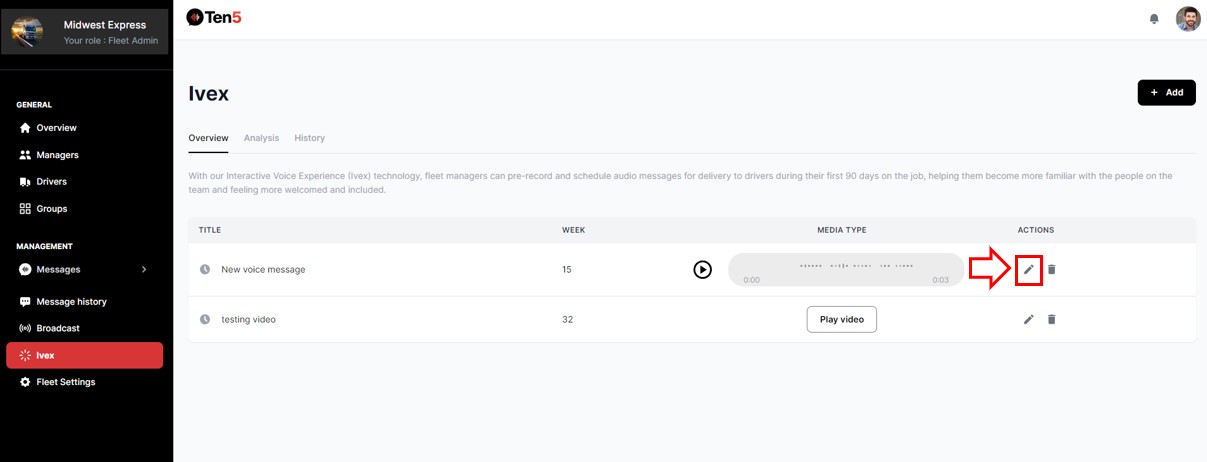
Log in as fleet admin user and on the left side choose the Ivex option.
In the relevant Ivex recording, click the pencil icon to edit the Ivex information.
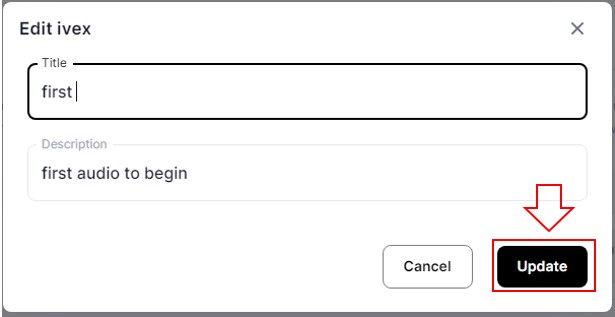
On the Edit ivex form, you can change the Ivex title and description. Click on the Update button.
Delete an Ivex
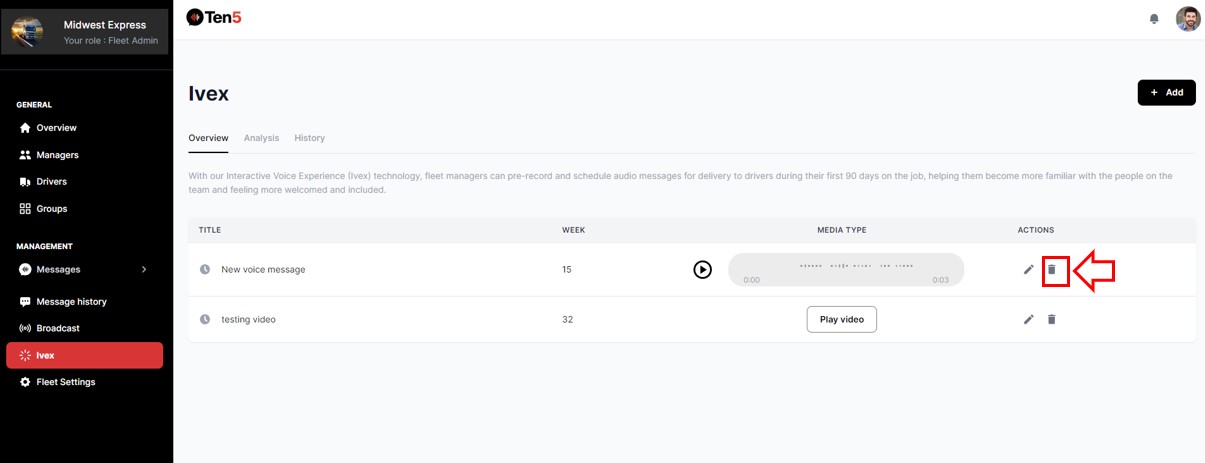
Log in as fleet admin user and on the left side choose the Ivex option.
In the relevant Ivex recording, click the Remove icon to delete the Ivex.
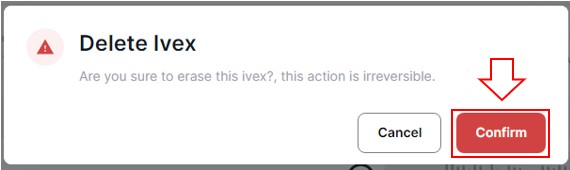
A popup will display. Click on the Confirm button.