Creating a new Ivex
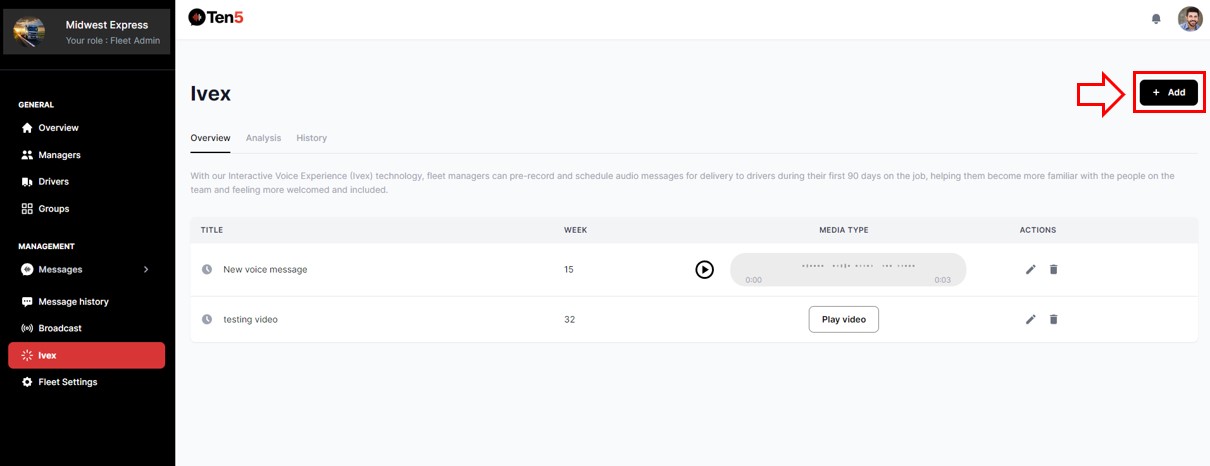
Log in as fleet admin user and on the left side choose the Ivex option. Click on Add button.
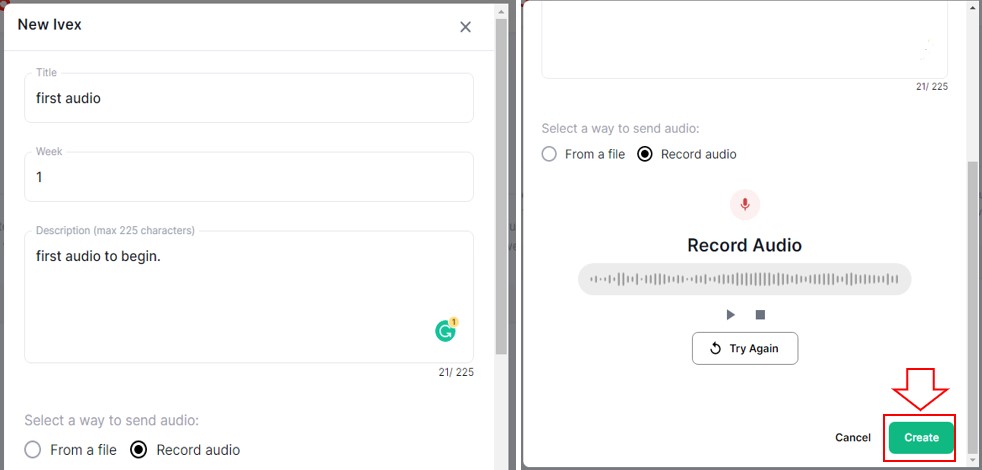
On the New Ivex form, write a title and description for the Ivex and select the week number you wish to play it.
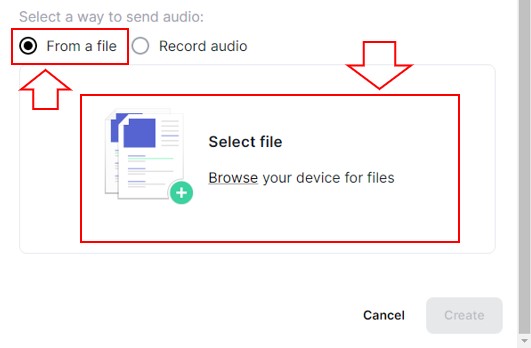
You can either import an audio file or record an audio.
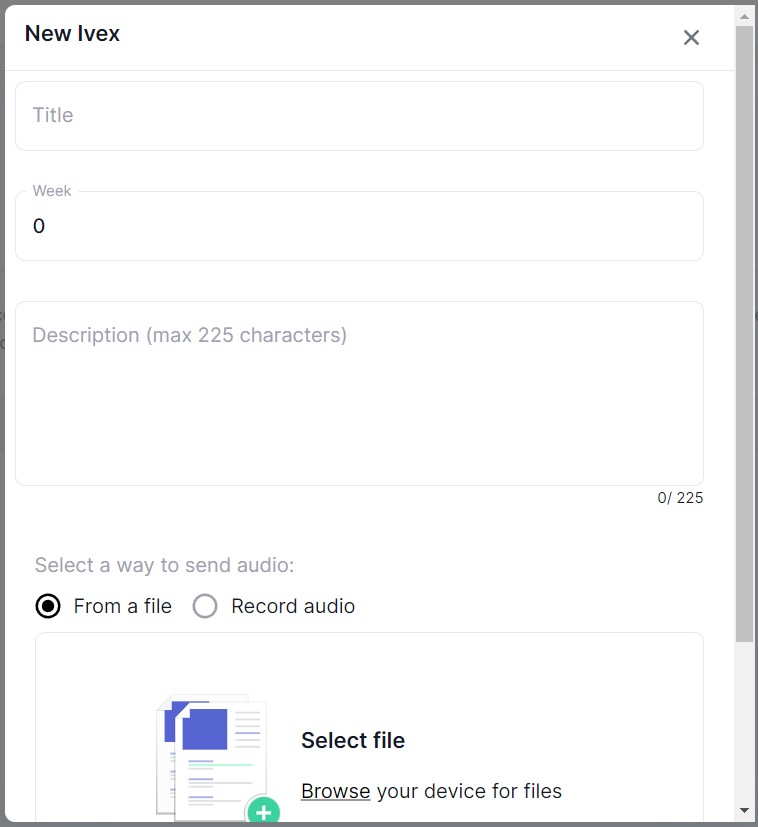
To upload a file, select the From a file option, click on Select file and upload the file.
To record an audio, select the Record audio option and click on the Record button to start recording audio.
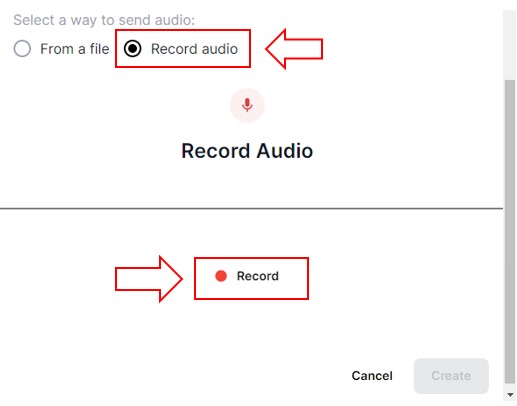
Once you have finished recording, click on the Create button. Or click Try Again to re-record.