Creating a new driver
Log in as fleet admin user and on the left side choose the Drivers option. Click in Add button, a modal will be displayed.
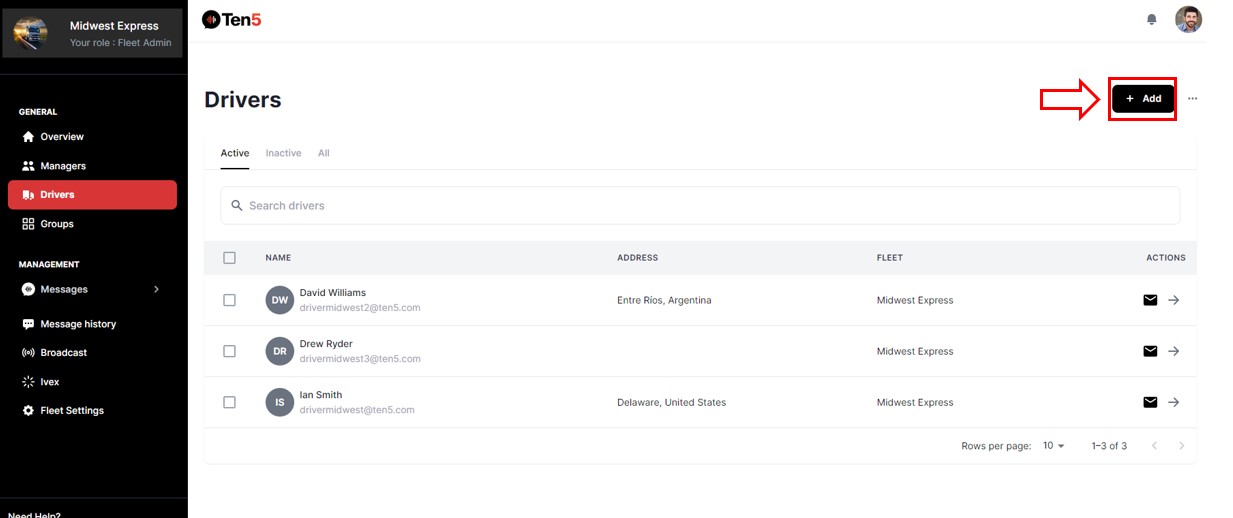
Adding one Driver
A modal is displayed.
Fill in the data of the driver user. The first name, last name, and email fields are required and finally, click to Create button.
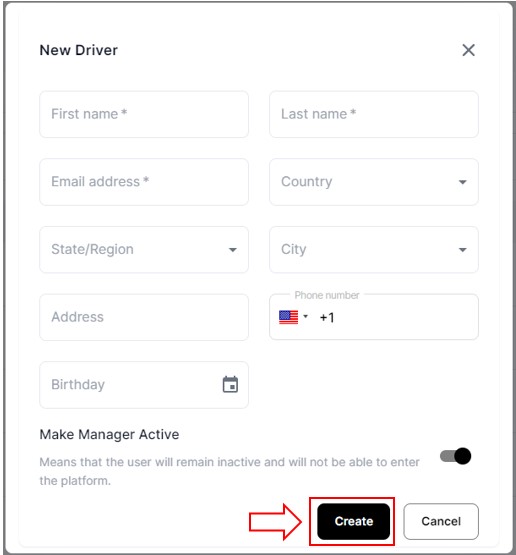
In addition, with the "Make Manager Active" option, you can give or remove access to the platform

Adding several drivers
Click on the three points, a menu is displayed select the second option.
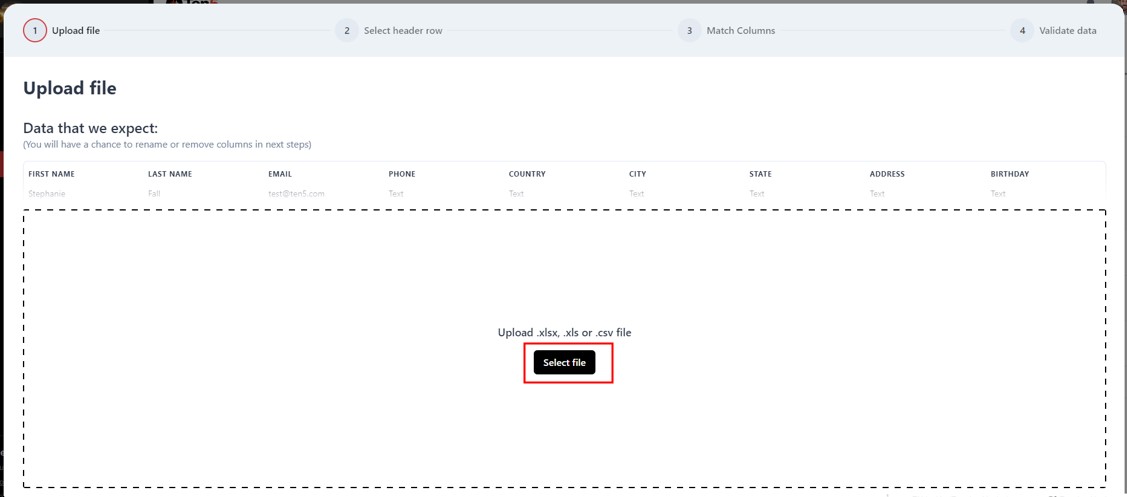
There are two options, the first allows you to download the template to upload various drivers, the second opens the modal to upload the Excel. Click on Add Multi Driver

Upload the Excel file with the data of the drivers. Once the Excel file is selected, click on Next button. And continue the steps of the modal.