Adding a new group
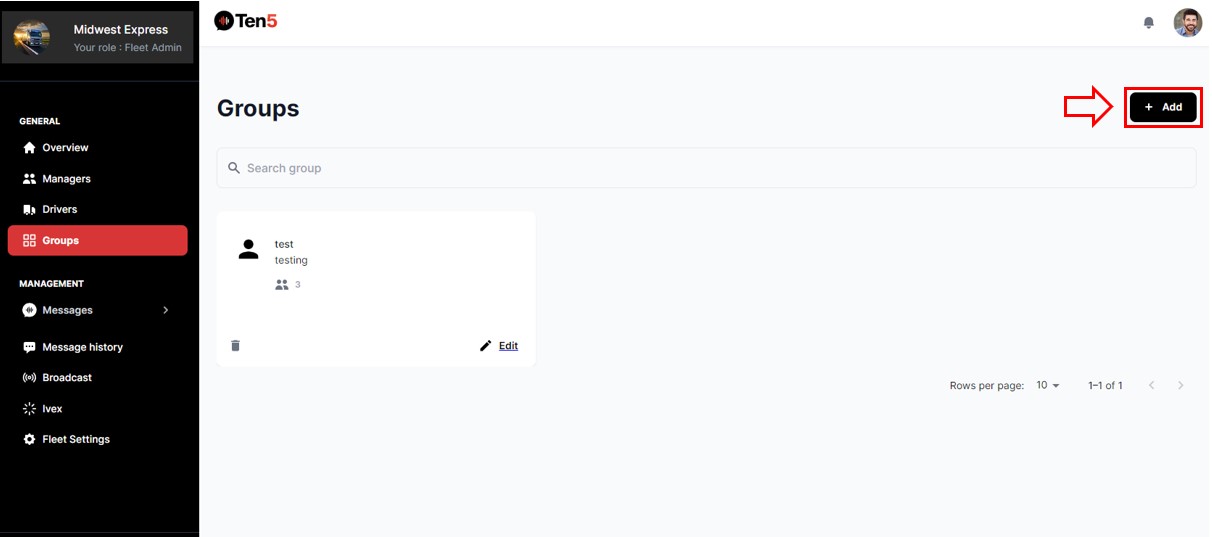
Log in as fleet admin user and on the left side choose the Groups option. Click to Add button.
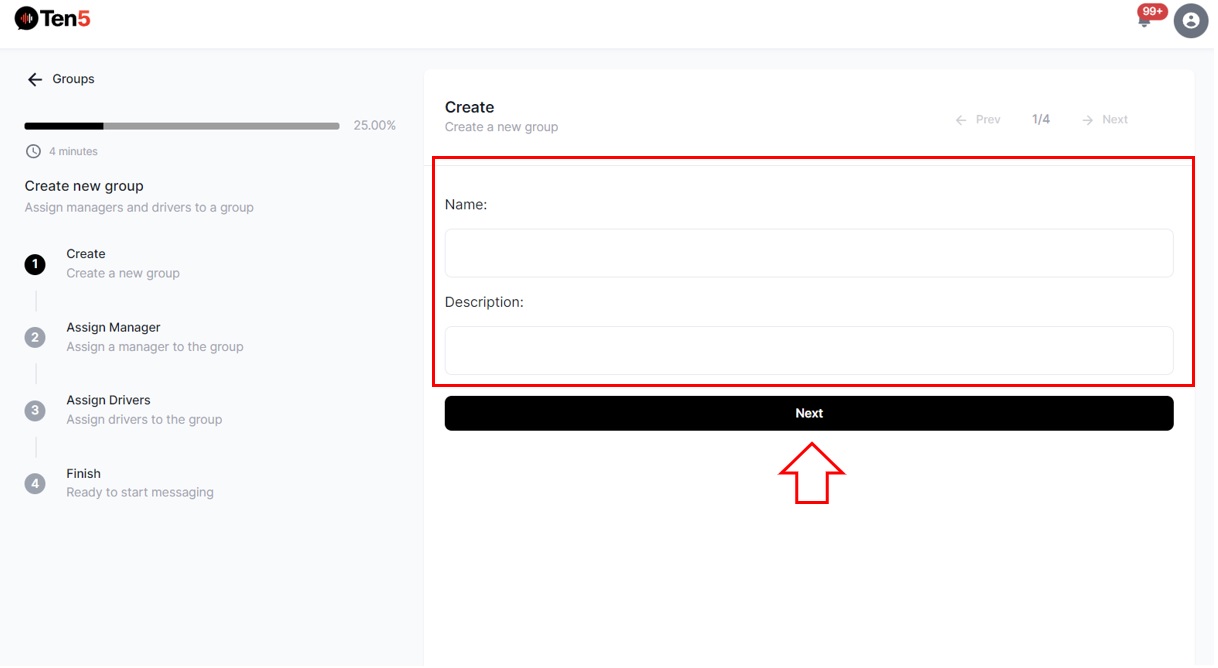
A page will open with four steps. First must fill in the fields with the name and description of the group.
Click on Next button.
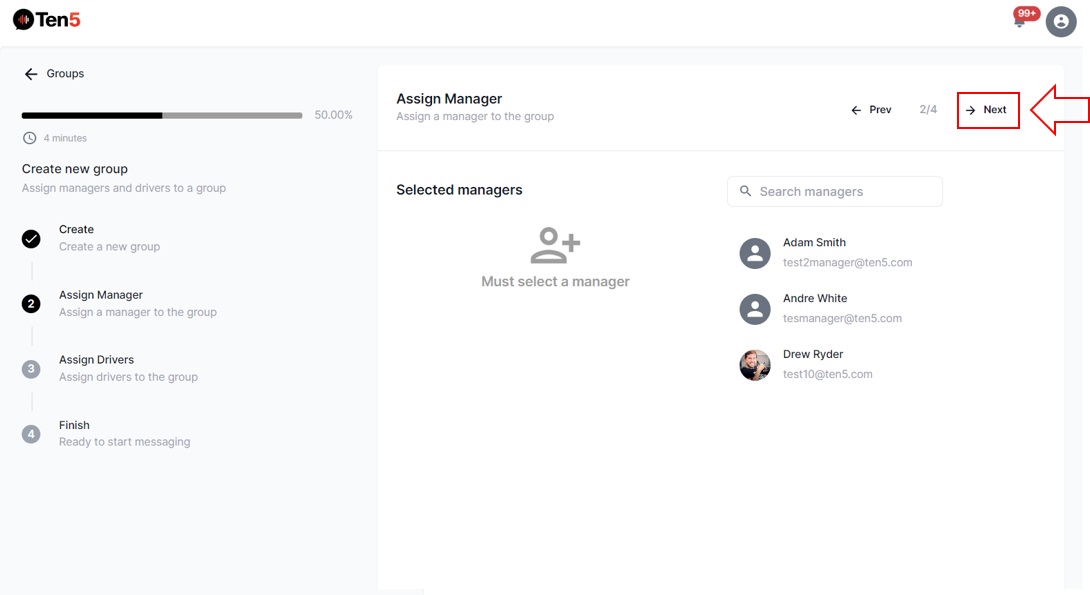
As a second step, select and assign a manager to the group. Once the drivers have been assigned, click on the Next button.
As the third step, select and assign one or more drivers to the group.
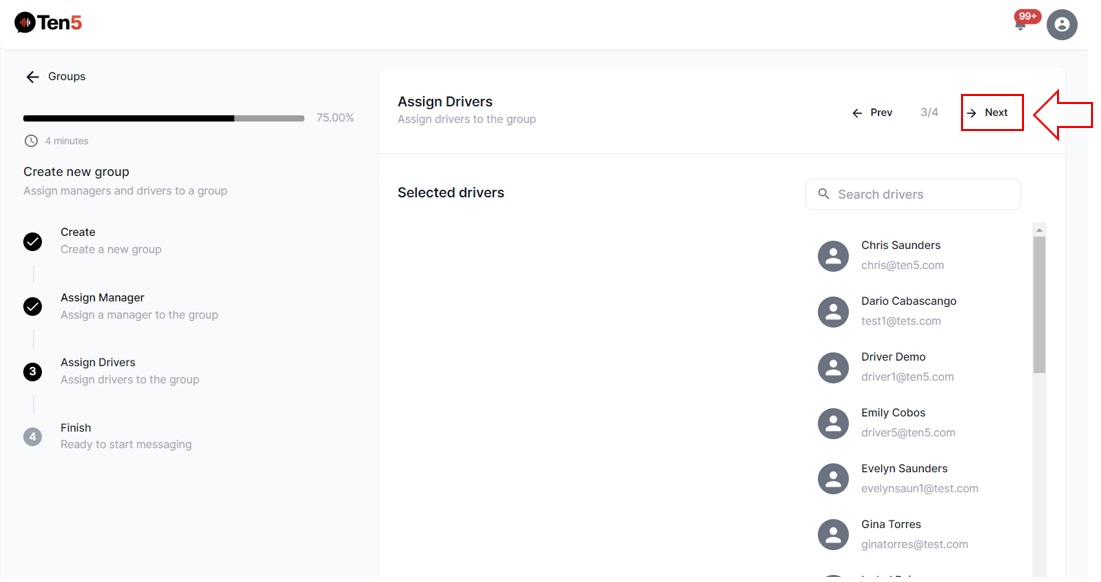
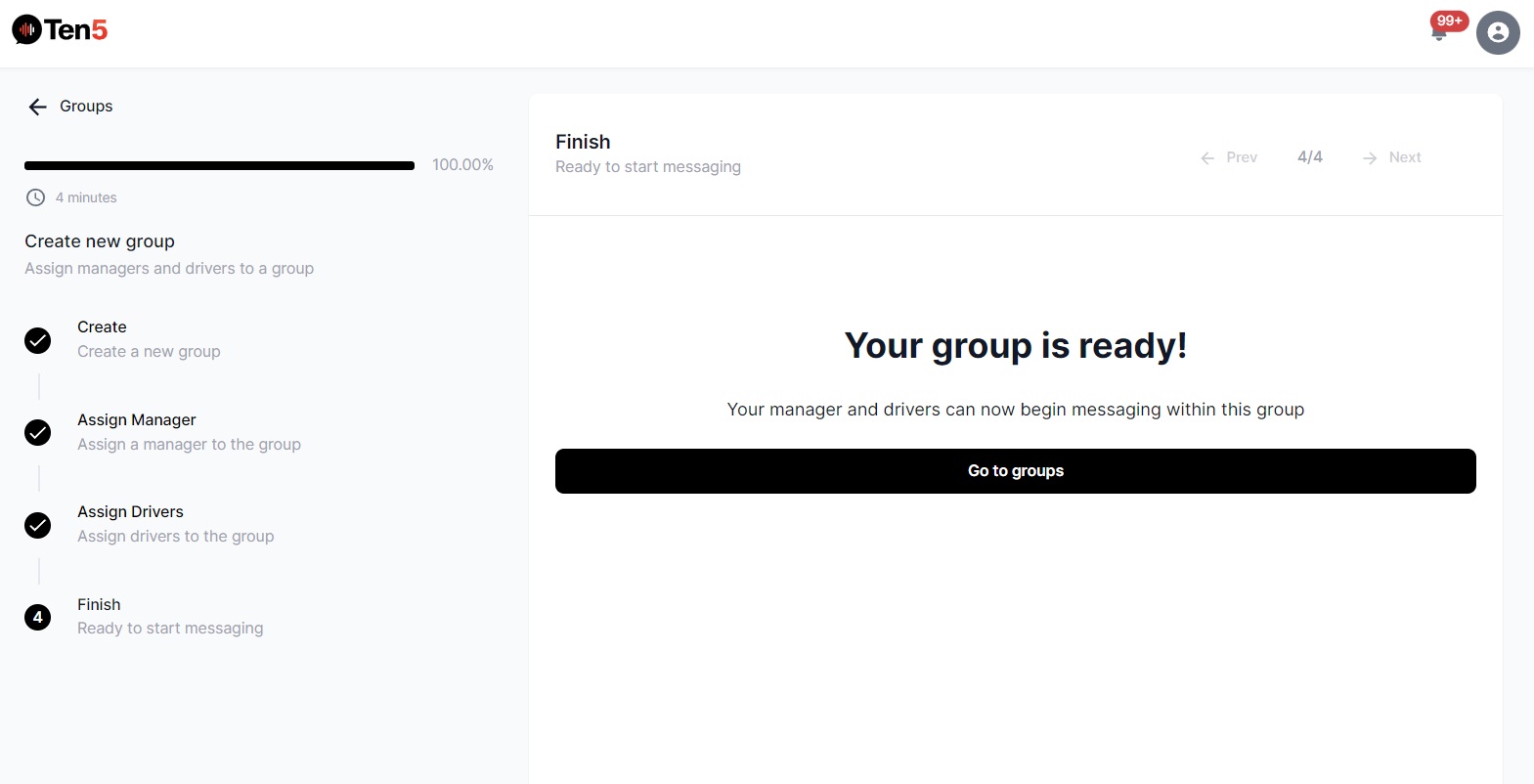
Finally click on the Next button and the group will be created. The following screen is displayed. To return to the groups section click on the button.