Changing user password
To change your password, you must first go to settings by clicking the wheel icon in the Home view.

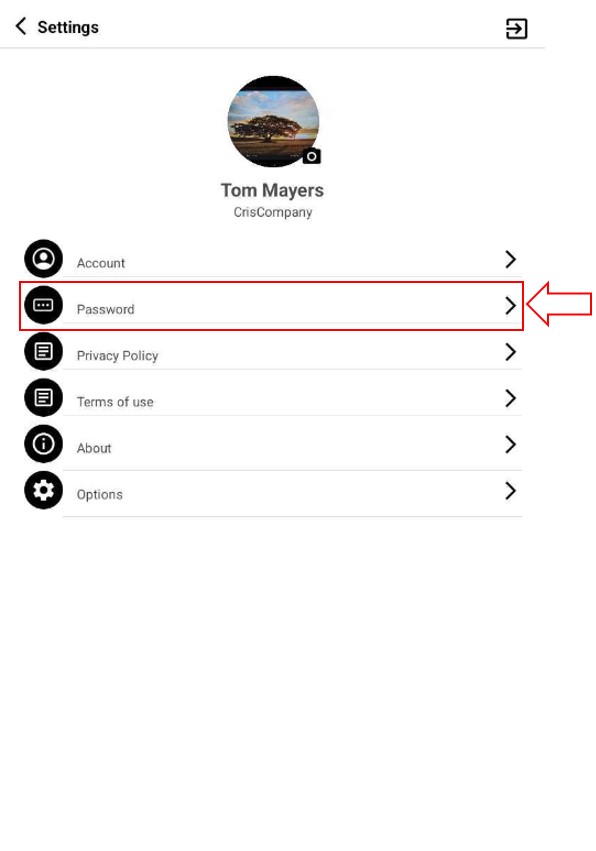
After, in the settings view select the Password option. Clicking on the arrow or the name.
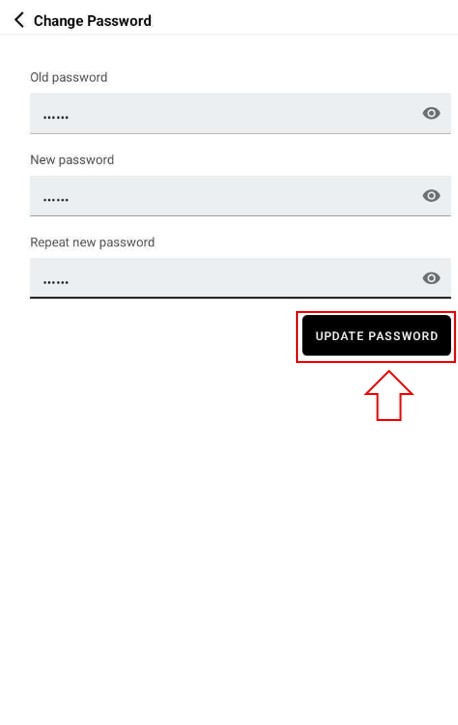
The password change view opens, here you must enter: your old password, your new password and repeat the new one. Once filling the fields, press the UPDATE PASSWORD button.