Log out
To log out of the application, you must first go to settings by clicking the wheel icon in the Home view.

After, in the settings view select the Log out icon.
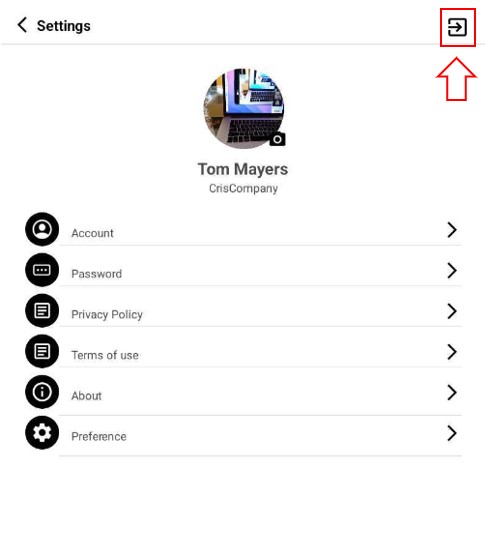
A popup window will appear asking if you are sure to log out. Click on the Yes button to log out.
