Creating and sending messages
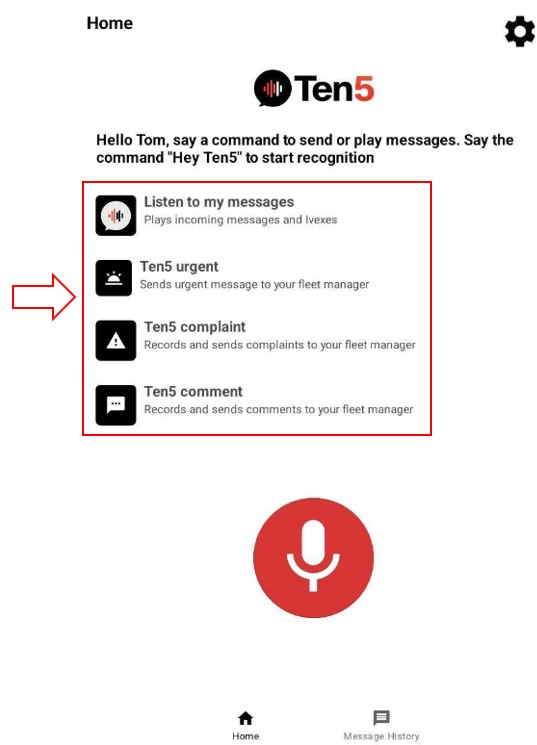
From the app home page, activate the assistant by saying Hey Ten5. When the the microphone icon begins to flash, you can say one of the following commands to record and send a specific type of message: "Urgent", "Comment", or "Complaint". You can also say "Listen to my messages" to hear any new messages that have come in.
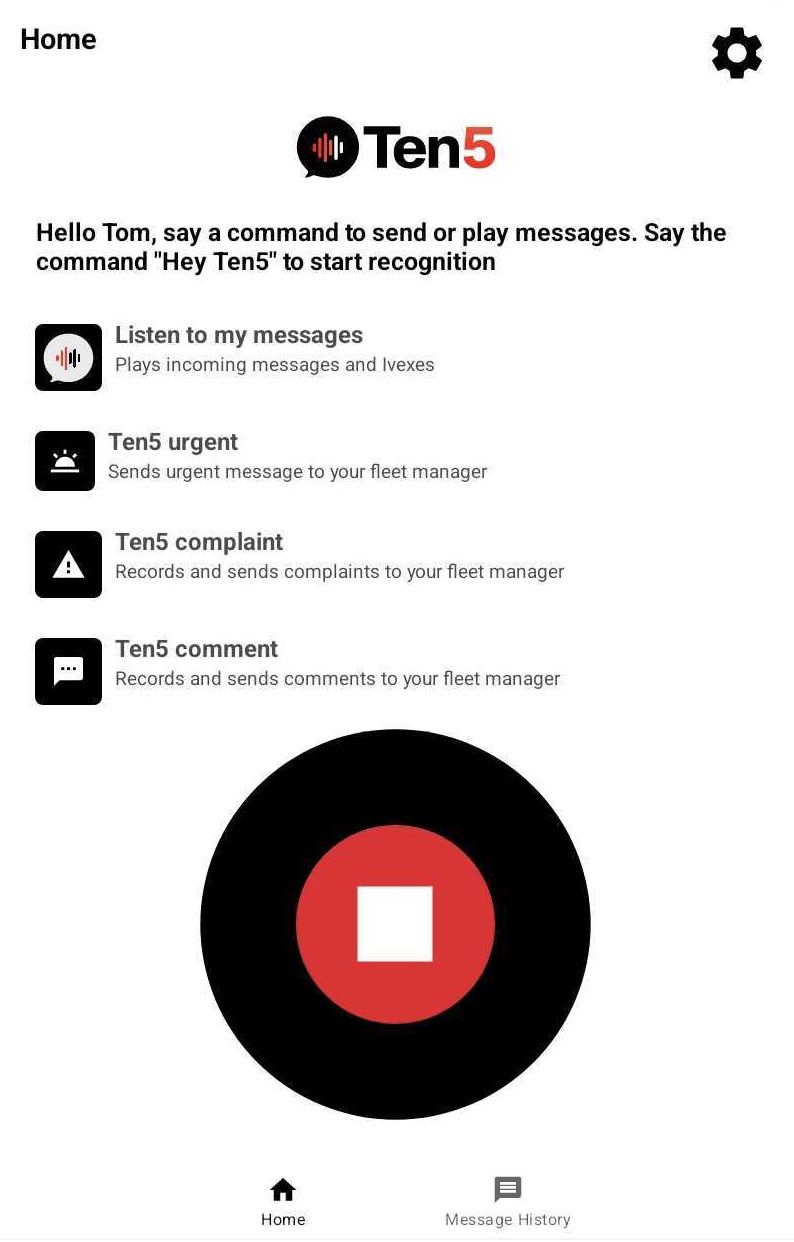
You have the option to press one of the labels on the screen to initiate a recording. The options are:
- Listen to my messages
- Ten5 urgent
- Ten5 complaint
- Ten5 comment
Record and send a message
After the assistant recognizes your command, you should hear "What is your urgent/comment/complaint message?". The following popup is displayed indicating that the message is being recorded.
The recording times out after 10 seconds by default. You can extend or shorten this in the "Options" menu under Settings.

When the recording is finished, the assistant will say: This is your recorded message and will play back the recorded message.
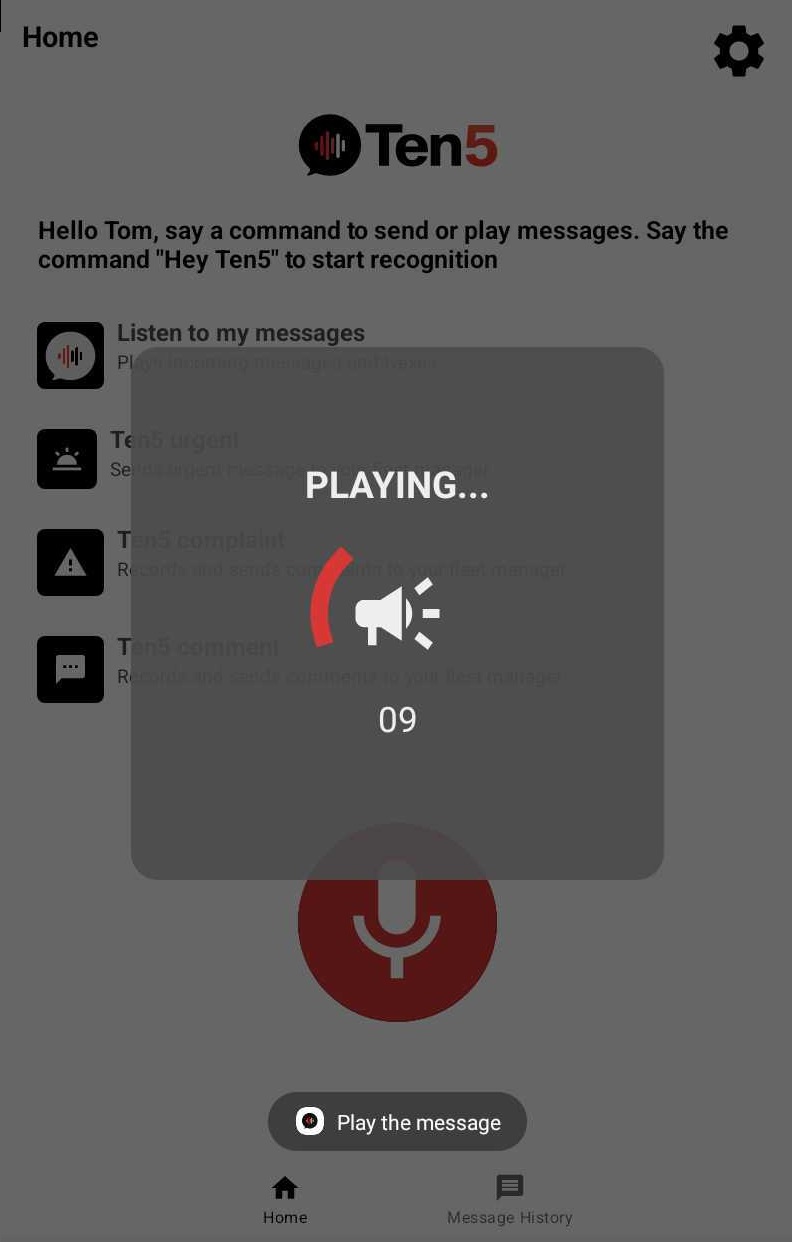
When the play back is finished, the assistant will ask: Do you want to send your recorded message? and the microphone icon on the screen will flash to indicate it is listening. If you reply "Yes", the assistant will send the message and say: Your message has been sent. If you say "No", the message is discarded and the assistant will say: Your message has not been sent.