Sending a broadcast message to all fleets
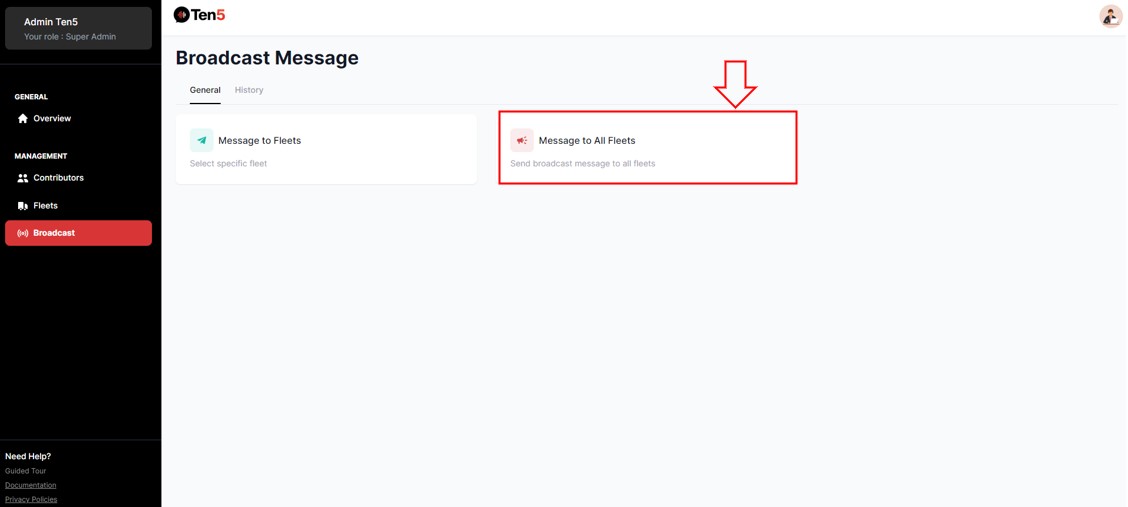
Log in as super admin user and on the left side choose the Broadcast option.
Then click on Message to All Fleets.
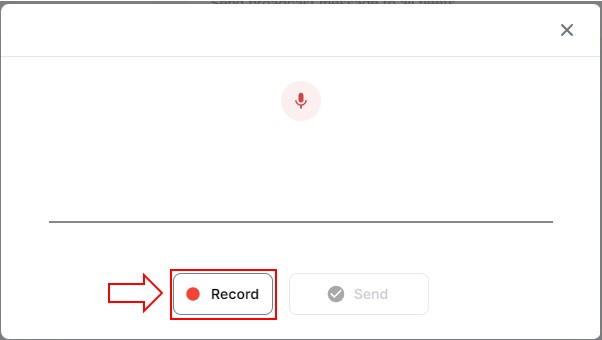
On the popup form, search and select a group to send the message to. Then click on the Record button to start recording the message.
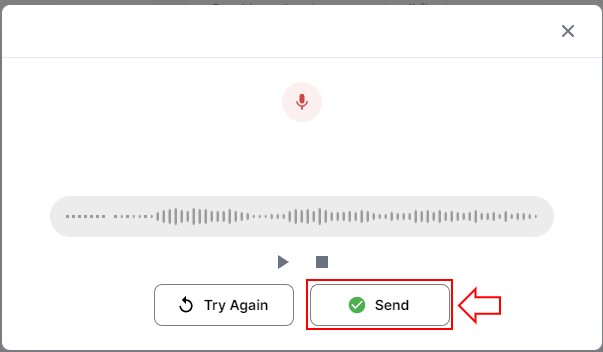
Once the message is recorded, click on the Send button. Or click Try Again to re-record.